LogoCollectAI
Submit
icon of HowToPose.ai

HowToPose.ai

HowToPose.ai is an advanced AI pose editor that lets you freely adjust poses, change outfits, and refine images in a single, connected creative workflow.

Summary

HowToPose.ai is a powerful, all-in-one AI creative workspace that enables users to adjust poses, change outfits, and refine images seamlessly without the need for multiple tools.

What is HowToPose.ai?

HowToPose.ai is a comprehensive, AI-powered creative platform designed to streamline the process of editing and refining portrait photography. By providing a unified workspace, it allows users to manipulate body angles, hand positions, and expressions, while also offering tools for outfit changes, background cleanup, and image upscaling.

Key Features
  • AI Pose Adjustment: Freely modify the pose, shoulder turn, and gaze of a subject in an existing photo without needing a reshoot.
  • Outfit Exploration: Easily swap clothing styles on a person while maintaining the original scene and subject identity.
  • Integrated Cleanup Tools: Remove watermarks, distractions, or imperfections directly within the editing lane.
  • Framing and Outpainting: Extend your images into different aspect ratios, such as square, vertical, or wide, to fit various publishing needs.
  • High-Quality Upscaling: Enhance the resolution of your drafts to ensure they are ready for professional production and high-quality exports.
  • Connected Workflow: Manage your entire creative loop—from initial pose planning to final delivery—in one cohesive, browser-based environment.

Key Highlights

  • Adjust complex poses and body angles in existing photos with precision.
  • Test multiple outfit variations on a single subject to save on production costs.
  • Maintain subject identity and scene consistency across all AI-generated edits.
  • Streamline your workflow by combining editing, cleanup, and upscaling in one tool.
  • Adapt a single source image into multiple formats for social media, ads, and web.
  • Significantly reduce the need for expensive and time-consuming reshoots.

Best For

  • Content creators who need to generate high-quality, pose-specific images quickly.
  • E-commerce marketers looking to test multiple outfit variations on a single model.
  • Brand photographers who need to adapt one portrait into various campaign crops.
  • Freelance designers seeking a streamlined workflow for image editing and cleanup.

Frequently Asked Questions

Is HowToPose.ai free to use?

HowToPose.ai offers a freemium model, allowing users to access core features for free while providing advanced capabilities and higher-tier options through paid plans.

How does HowToPose.ai compare to other AI image editors?

HowToPose.ai is unique because it provides a connected workspace where you can adjust poses, change outfits, and perform image cleanup without switching between multiple different tools.

How do I get started with HowToPose.ai?

You can get started by uploading your source photo or using a text prompt directly in the workspace to begin your first pose or style adjustment.

Is HowToPose.ai suitable for professional creative teams?

Yes, the platform is designed for professional use, offering tools for e-commerce, social media content, and campaign planning that help teams save time on reshoots.

Information

  • Websitehowtopose.ai
  • Published date2026/03/27
  • Last reviewed2026/11/27

Domain Rating

Powered by Ahrefs

35
+30
Jun 15, 2026Nov 27, 2026

Traffic

Last update: N/A

Latest month
N/A

No traffic data available yet.

icon of MiniMax H3 Max

MiniMax H3 Max

AD

Hosted video model that turns text prompts or still images into 5-15 second clips in the browser, with a published 15-second clip generated in about 5 seconds.

Alternatives to HowToPose.ai

ProductCategoryPricingSummary
Dola AIAI Image GeneratorfreeFreemium AI creative studio: generate images and videos, edit photos and films, compose 3D scenes, and work with documents, spreadsheets, slides and PDFs.
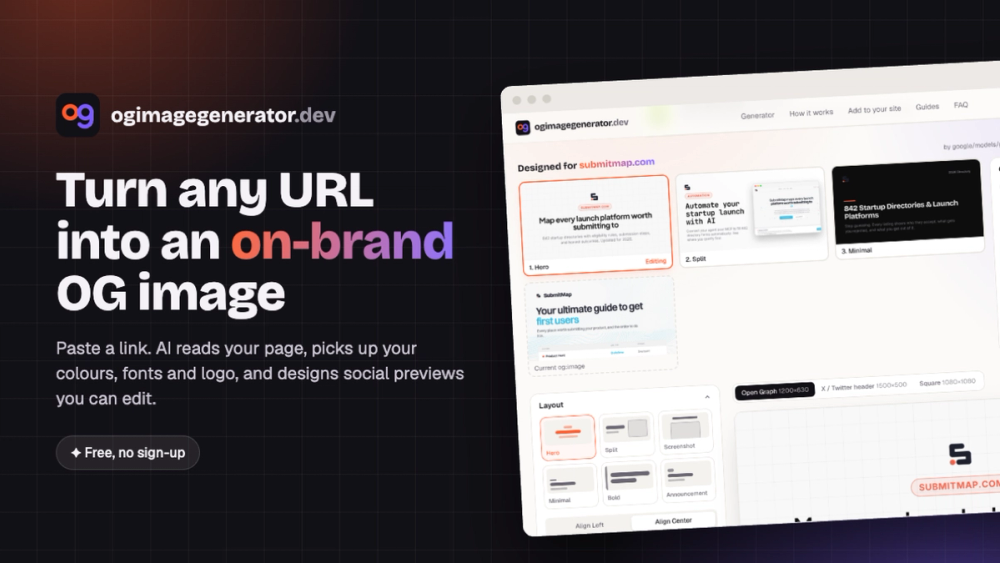
ogimagegenerator.devAI Image GeneratorfreePaste a URL and AI reads your page, picks up your brand colours, fonts and logo, and designs Open Graph images that fit it. Edit everything, export a PNG or get a hosted og:image link. Free, no account.
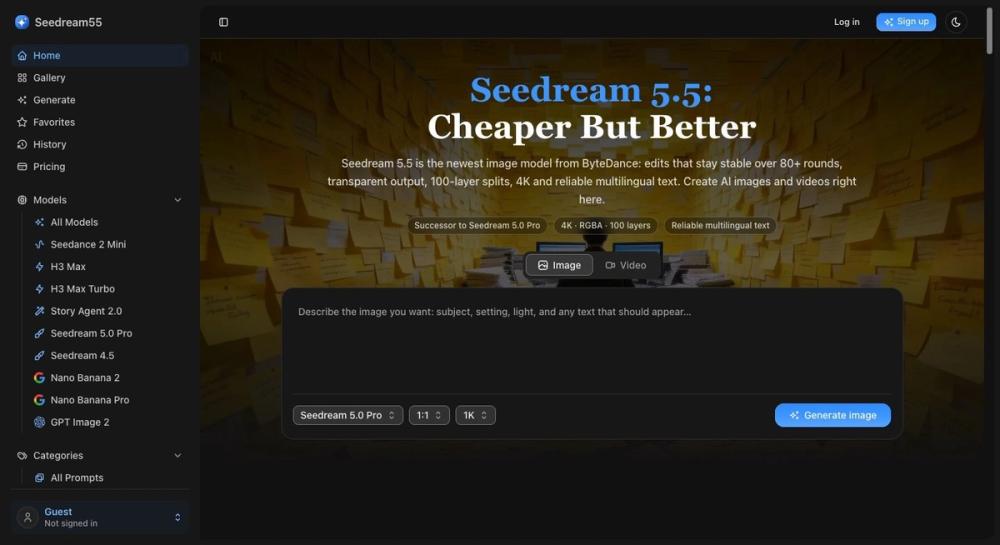
Seedream 5.5AI Image GeneratorfreeSeedream 5.5 is ByteDance's newest AI image model: 80+ rounds of stable editing, native RGBA transparency, 100-layer splits, 4K output and reliable multilingual text. Generate AI images and videos online.

Newsletter

Join the Community

Subscribe to our newsletter for the latest news and updates