Why this collection
AI coding assistants moved from “nice autocomplete” to daily pair-programming partners. Teams now use them for scaffolding, refactors, tests, reviews, and CLI-driven agent workflows. This list focuses on tools that are widely used, have clear product surfaces, and fit different workflows—from IDE plugins to full AI-native editors.
How we pick tools
We prioritize:
- Developer workflow fit — IDE, editor, browser, or agent CLI
- Proven adoption — real products with public documentation and active users
- Differentiation — not ten clones of the same chat box
- Directory quality — listed on CollectAI with enough factual detail to compare
This is an editorial shortlist, not an exhaustive market map.
Quick comparison angles
| Need | Start here |
|---|---|
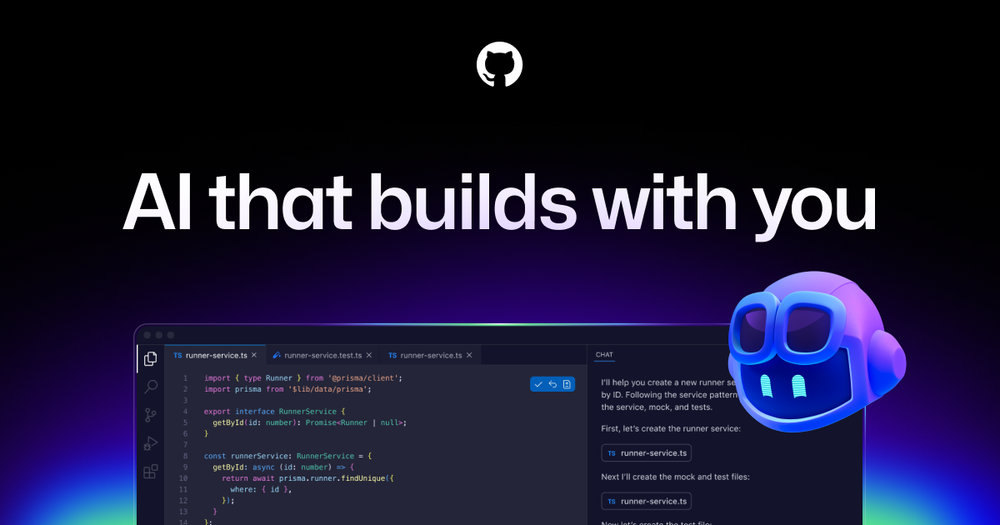
| Stay inside VS Code / JetBrains | GitHub Copilot |
| AI-first editor experience | Cursor |
| General assistant + coding | ChatGPT, Gemini |
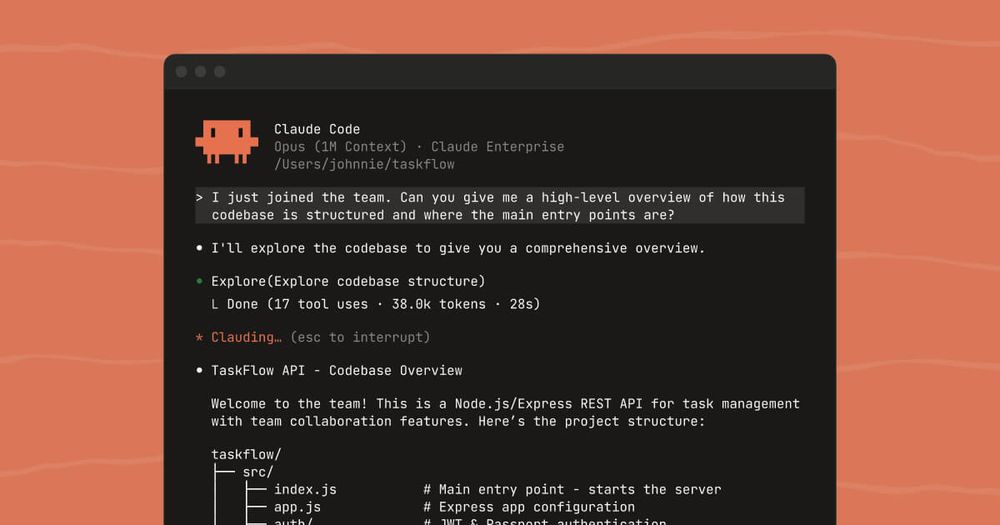
| Anthropic-centric coding surface | Claude Code |
| Fast full-stack scaffolding | Bolt |
| PR / review automation | CodeRabbit |
How to choose
- Where you write code — If you will not leave VS Code, start with Copilot. If you want the model in the center of the editor, try Cursor.
- Repo context — Prefer tools that can see multi-file context and your actual stack, not only a single pasted snippet.
- Review vs generate — Generators draft; reviewers reduce risk. Many teams run both.
- Team policy — Check data retention, SSO, and whether code is used for training before rolling out org-wide.
What this page is not
We do not rank by marketing claims or “AI score.” Each tool card links to a CollectAI item page with summary, highlights, and trade-offs when available. Revisit this collection as products ship agent modes and deeper IDE integrations through 2026.