LogoCollectAI
Submit
icon of FLUX 3 Max AI

FLUX 3 Max AI

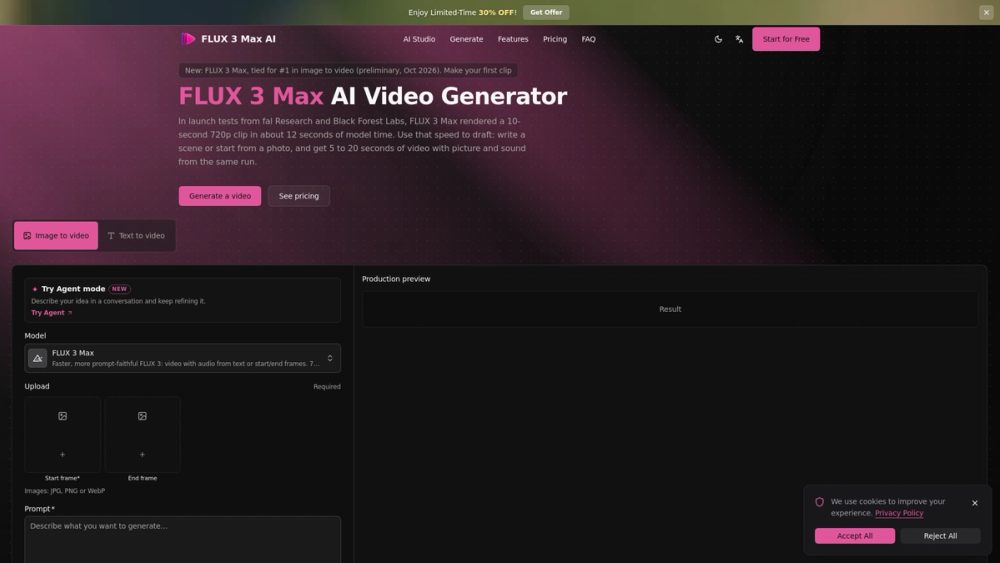
FLUX 3 Max AI is a web workspace for generating 5–20 second videos with synced audio from text or images, at 720p or 1080p.

Summary

FLUX 3 Max AI is an independent web workspace that runs the FLUX 3 Max video model to generate 5–20 second clips with synced audio from text prompts or images.

What is FLUX 3 Max AI?

FLUX 3 Max AI is an independent web workspace at flux3max.com that provides access to the FLUX 3 Max video model alongside FLUX 3, H3 Max and H3 Max Turbo. FLUX 3 Max is described as a video model post-trained by fal Research in partnership with Black Forest Labs, starting from Black Forest Labs' FLUX 3, and released in October 2026; the site states it is not affiliated with or endorsed by either company. The workspace turns a text prompt or a start image into a 5–20 second clip with synced audio at 720p or 1080p.

Key Features
  • Two input modes: text to video, and image to video, which requires a start frame (JPG, PNG or WebP) and accepts an optional end frame.
  • Audio is generated in the same run as the picture — spoken lines, narration, background ambience and music — with an "Include audio" toggle that is checked by default.
  • Duration is set on a slider from 5 to 20 seconds in one-second steps; resolution is selectable at 720p or 1080p.
  • Text to video offers aspect ratios from 9:16 vertical to 21:9 widescreen (Auto gives 16:9); image to video keeps the shape of the first frame.
  • An Agent mode in the AI Studio can write the prompt, run it, and produce a first frame using GPT Image 2.5 Flare or Nano Banana 2.1.
  • Finished takes are saved to your assets, where they can be rewatched and downloaded.
Key Highlights

  • Generates 5–20 second clips at 720p or 1080p, with audio produced in the same run as the picture.
  • Costs 35 credits per second at 720p and 60 per second at 1080p; a 5-second 720p clip is 175 credits.
  • New accounts receive 10 credits, which the page states is not enough for a FLUX 3 Max clip — a credit pack or plan is required.
  • Image to video requires a start frame in JPG, PNG or WebP and accepts an optional end frame; text to video supports aspect ratios from 9:16 to 21:9.
  • Launch tests cited from fal Research and Black Forest Labs measured about 12 seconds of model time for a 10-second 720p clip, against over two minutes for the original FLUX 3.
  • Rated Elo 1139 in image to video on the Artificial Analysis Video Arena (preliminary October 2026 results), tied for first; FLUX 3 scored 1089.
  • Runs next to FLUX 3, H3 Max and H3 Max Turbo in the same generator; FLUX 3 Max cannot change an existing clip, while FLUX 3 can edit one up to 15 seconds at 720p and H3 Max can extend a clip.
  • Outputs are stored in your assets and kept for 30 days without an active subscription; commercial use is allowed on paid plans or credit packs, while free-credit output is personal use only.

Best For

  • Social media creators producing 9:16 vertical clips for Reels, Shorts and TikTok.
  • Marketers building short ads with voice-over, where the narrator's script and the scene description go into one prompt.
  • E-commerce sellers animating a product photo into a slow orbit or reveal that ends on a supplied final frame.
  • Illustrators and portrait artists animating a single still with a small movement or a spoken line.
  • Prompt-first users who want to draft several 5-second 720p takes before committing to a 20-second or 1080p final.
  • Users who prefer describing a shot in chat and letting an agent write and run the prompt.

Frequently Asked Questions

How many credits does a FLUX 3 Max video cost?

FLUX 3 Max uses 35 credits per second at 720p and 60 per second at 1080p, so a 5-second 720p clip costs 175 credits. New accounts get 10 credits, which the page states is not enough for a FLUX 3 Max clip, so a credit pack or plan is needed for a first video.

Can FLUX 3 Max edit or extend an existing video?

No. The comparison table lists FLUX 3 Max as unable to change an existing clip. FLUX 3 can edit a clip up to 15 seconds with a prompt at 720p, and H3 Max can extend a clip; both run in the same generator.

What clip lengths and resolutions does FLUX 3 Max support?

Each clip runs 5 to 20 seconds, chosen in one-second steps, at 720p or 1080p. Text to video offers shapes from 9:16 vertical to 21:9 widescreen, while image to video always follows the shape of the first frame.

Can I use FLUX 3 Max videos commercially?

Yes, on a paid plan or credit pack — the page says videos generated with paid credits are yours to use, including in ads and client work. Output made only with free credits is for personal use, and rights to any people, logos or footage in a clip must be cleared before publishing.

Who runs FLUX 3 Max AI?

FLUX 3 Max AI is an independent workspace that runs FLUX 3 Max next to other image and video models. The site states it is not affiliated with or endorsed by Black Forest Labs or fal, and that their model names are used only to identify which model you are using.

Information

  • Websiteflux3max.com
  • Published date2026/10/20
  • Last reviewed2026/10/20

Domain Rating

Powered by Ahrefs

0

Tracking domain rating trend. Check back soon for history.

Traffic

Last update: N/A

Latest month
N/A

No traffic data available yet.

icon of FLUX 3 Max AI

FLUX 3 Max AI

AD

FLUX 3 Max AI is a web workspace for generating 5–20 second videos with synced audio from text or images, at 720p or 1080p.

Alternatives to FLUX 3 Max AI

ProductCategoryPricingSummary
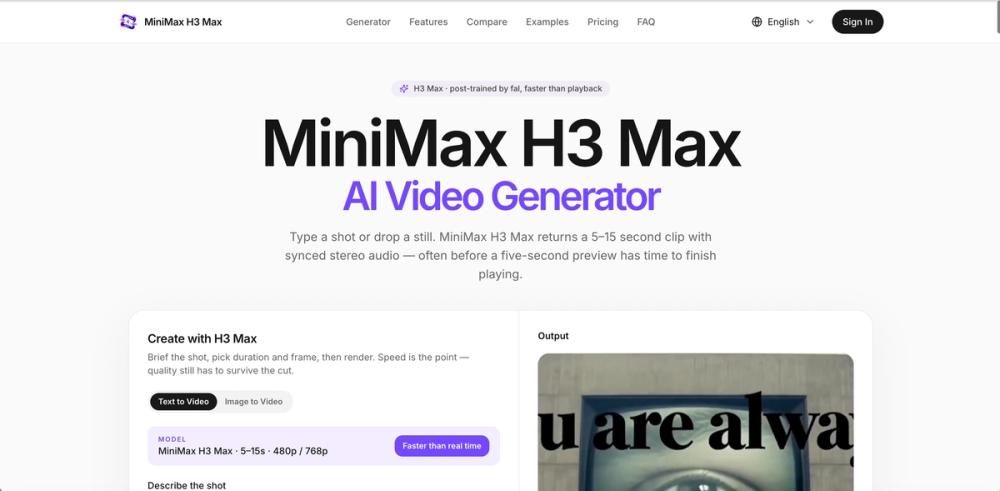
H3MaxAI Video GeneratorfreeGenerate 5–15 second 480p/768p videos with MiniMax H3 Max. Text-to-video and image-to-video, native stereo audio, and faster-than-real-time iteration.
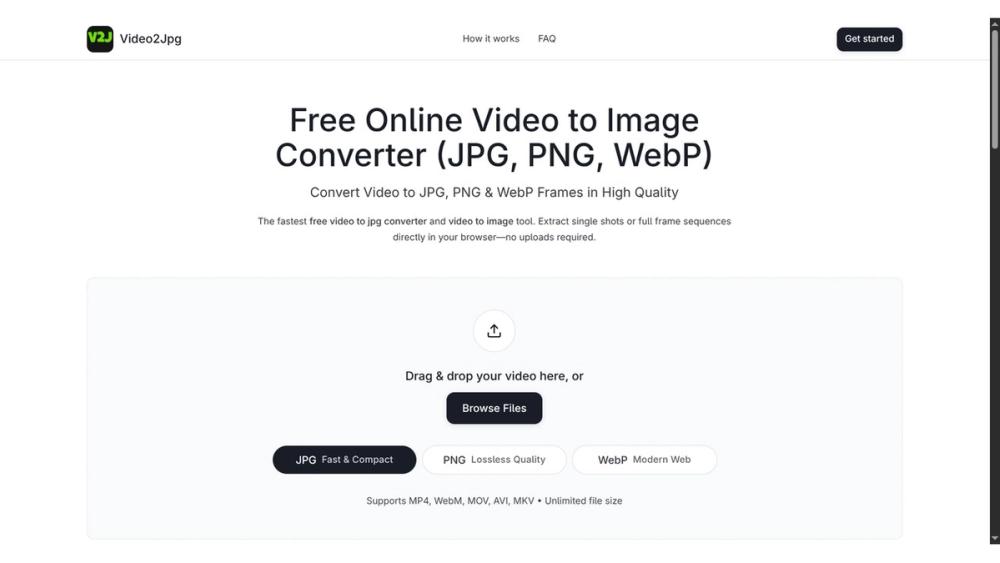
Video2JpgAI Image GeneratorfreeConvert video to JPG, PNG, or WebP frames in your browser. High-quality video to image converter with no uploads—fast, private, and free.
RenderPopAI Image GeneratorfreeRenderPop is a browser-based AI image generator that turns text prompts or uploaded photos into images, with free daily Fast generations and credit-based Pro mode.

Newsletter

Join the Community

Subscribe to our newsletter for the latest news and updates