Why this collection
AI video products split into several jobs: talking-head avatars, timeline editing with AI cleanup, voiceovers, short-form captions, and full generative clips. Buying the wrong one usually means you paid for features you will never open. This shortlist maps tools to production realities.
Workflow map
| Workflow | Start here |
|---|---|
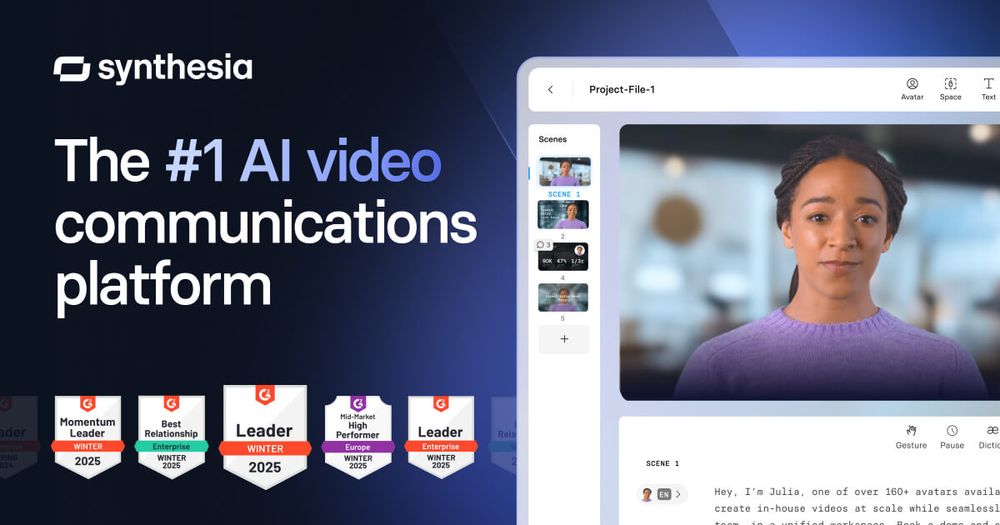
| Avatar / training videos | HeyGen, Synthesia |
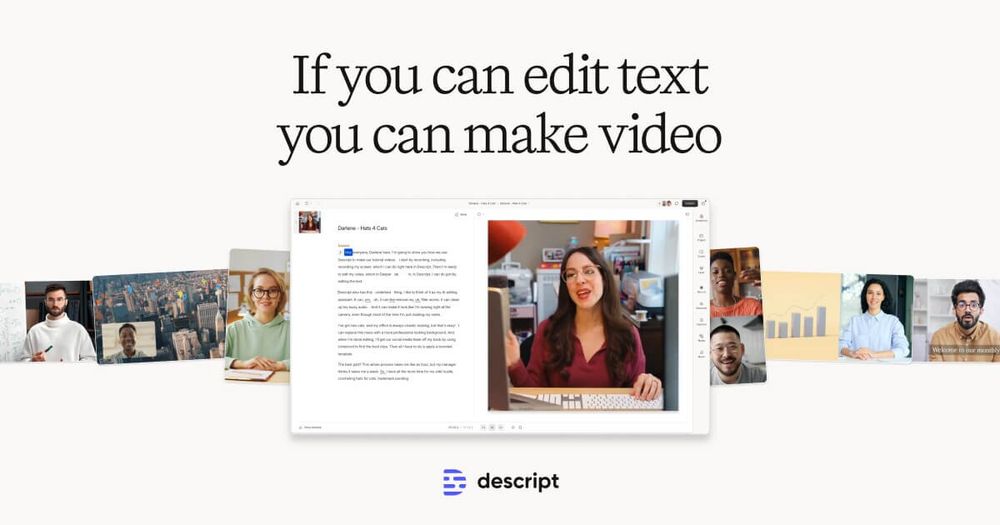
| Edit podcasts & talking heads | Descript |
| Voiceover & voice design | ElevenLabs |
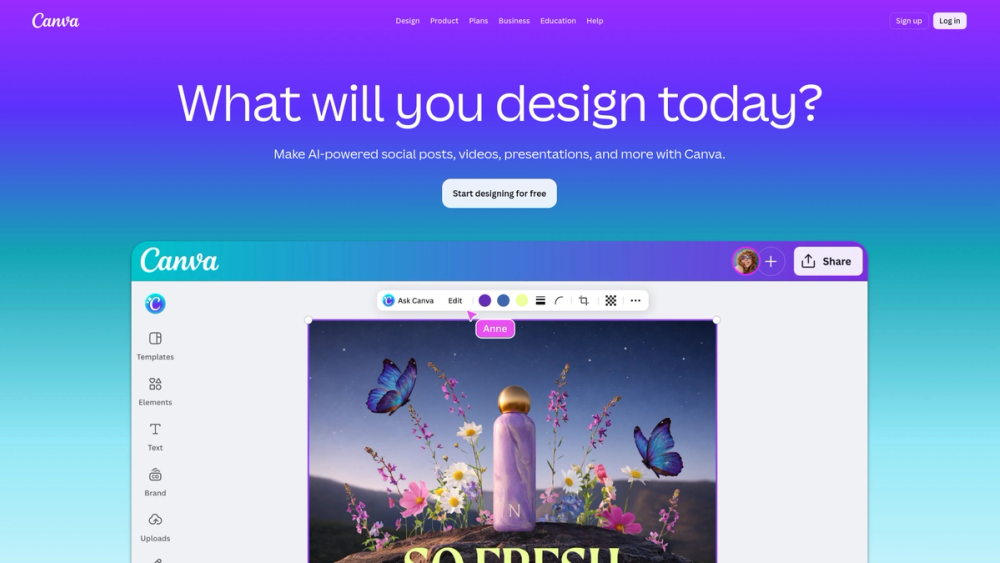
| Design-led simple video | Canva |
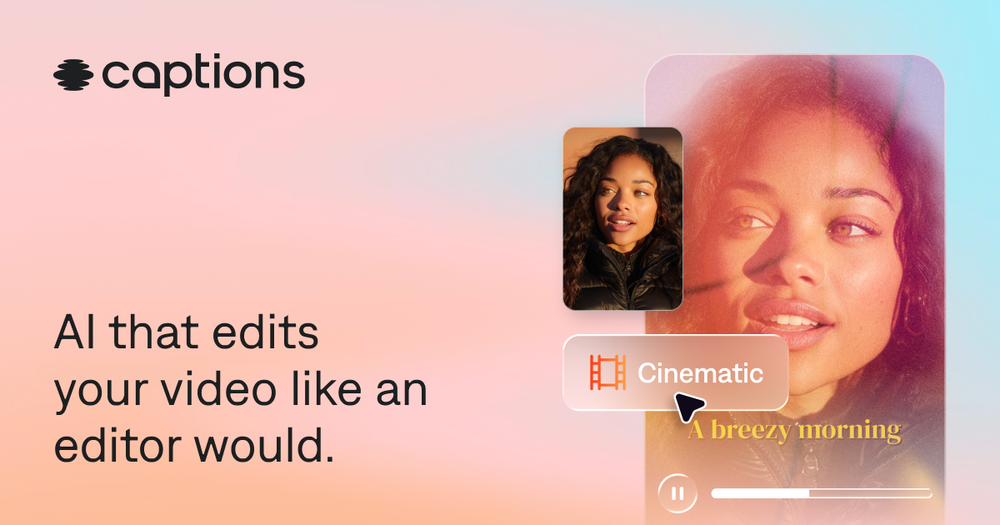
| Short-form captions / social | Captions |
| Music beds for video | Suno |
Selection criteria
- Clear primary workflow (not “does everything”)
- Enough directory detail to compare pricing posture and platform notes
- Relevance to creators, marketers, and L&D teams—not only demos
Practical advice
- Script and voice first — Bad scripts stay bad after generation. Many teams write in a doc tool, generate voice, then assemble video.
- Avatar tools ≠ editors — Synthesia/HeyGen excel at presenter-style videos; Descript excels when you already have footage or audio.
- Audio is half the video — Pair video tools with a dedicated voice product when narration quality matters.
- Rights and likeness — Check commercial license and avatar consent rules before client work.
Where to go next
For a wider inventory, use CollectAI categories AI Video Generator, AI Voice, and AI Avatar. This page stays intentionally short so you can decide faster.