
LogoCollectAI
Submit
icon of Mumble AI

Mumble AI

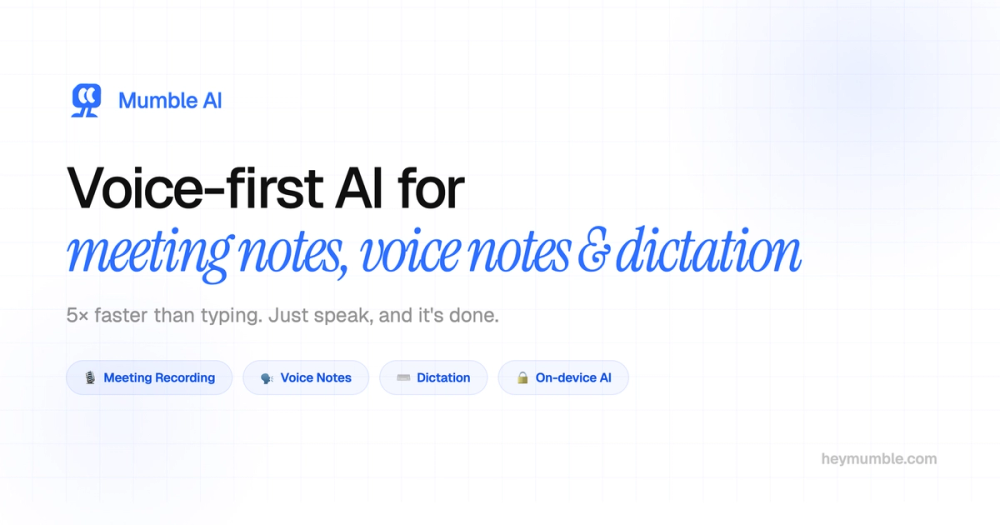
Mumble AI is a voice-first Mac app for meeting notes, dictation, and voice memos. Experience 5x faster typing with secure, on-device processing. Try it free.

Summary

Mumble AI is a voice-first Mac application that provides private, bot-free meeting recording, intelligent note-taking, and system-wide dictation.

What is Mumble AI?

Mumble AI is a powerful, voice-first workspace designed specifically for Mac users to streamline meeting notes, dictation, and voice memos. By leveraging advanced AI, it allows you to capture ideas and meeting content up to 5x faster than traditional typing, all while maintaining a clean, organized digital environment.

Key Features
  • Bot-Free Recording: Captures audio directly from your Mac's system, ensuring no third-party bots join your calls or disrupt your meeting flow.
  • Flexible Processing Modes: Choose between Cloud mode for maximum accuracy and advanced AI summaries, or Local mode for 100% on-device privacy.
  • System-Wide Dictation: Use customizable keyboard shortcuts to dictate text into any application, including Slack, Notion, and email clients.
  • Smart Meeting Summaries: Automatically generates structured summaries, action items, and follow-ups the moment your meeting concludes.
  • Speaker Identification: Provides real-time transcripts with accurate speaker labels, making it easy to track who said what during complex discussions.
  • Cross-Platform Sync: Seamlessly syncs voice notes from the Mumble Note iOS app to your Mac workspace for a unified experience.


Key Highlights

  • Record meetings directly from your Mac without any intrusive bots joining the call.
  • Switch between cloud-based AI and 100% on-device local processing for maximum privacy.
  • Dictate text 5x faster than typing in any application on your Mac.
  • Automatically generate structured meeting summaries, action items, and follow-ups.
  • Get real-time transcripts with accurate speaker labels for easy meeting review.
  • Enjoy a free, unlimited local mode that keeps your sensitive audio data on your device.

Ideal For

  • 1.Professionals who need to capture meeting notes without inviting intrusive AI bots.
  • 2.Remote workers looking to speed up their daily documentation and email drafting.
  • 3.Legal and privacy-conscious teams requiring 100% on-device audio processing.
  • 4.Students and researchers who need to organize voice memos into structured notes automatically.

Frequently Asked Questions

Is Mumble AI free to use?

Mumble AI is currently in open beta and is completely free to use. After the beta period, local mode will remain free forever, while cloud-based features will offer a generous free tier alongside paid plans for advanced usage.

Does Mumble AI join my meetings as a bot?

Unlike competitors that require a bot to join your meetings, Mumble AI records directly from your Mac's system audio. This ensures your meetings remain private and uninterrupted, with no external participants visible to others.

How does Mumble AI handle data privacy and local processing?

Yes, Mumble AI offers a dedicated local mode where all audio processing happens entirely on your Mac. This ensures your sensitive data never leaves your device, providing maximum privacy for confidential calls.

What platforms and meeting apps does Mumble AI support?

Mumble AI is designed for macOS 14+ on Apple Silicon (M1 or newer). It integrates seamlessly with any meeting platform that uses your Mac's system audio, such as Zoom, Google Meet, and Microsoft Teams.

Information

Traffic

Last update: N/A

Latest month
N/A

No traffic data available yet.

Newsletter

Join the Community

Subscribe to our newsletter for the latest news and updates