LogoCollectAI
Submit
icon of Image to 3D AI

Image to 3D AI

Image to 3D AI lets you generate high-quality 3D models from images or text in seconds. Free, fast, and perfect for dev, model designer.

Summary

Image to 3D AI is a free online tool that uses AI to convert images or text prompts into 3D models, exportable as GLB files.

Editorial Verdict

A solid free option for rapid 3D prototyping from images or text, though output quality depends on input image clarity and detail level; best for concept art and simple objects rather than complex scenes.

What is Image to 3D AI?

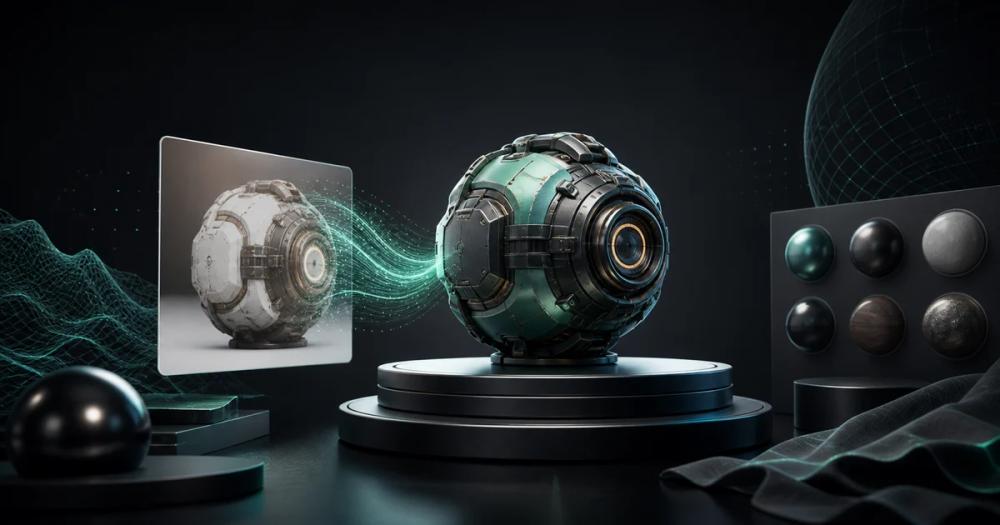
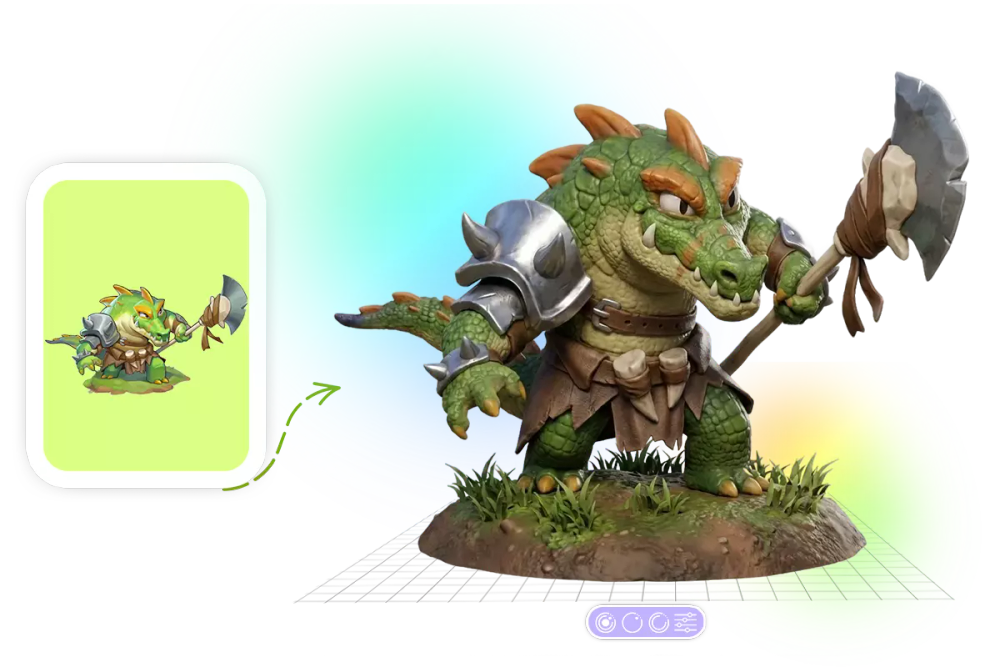
Image to 3D AI is a free online web application that converts a single image or text prompt into a 3D model. The tool analyzes shape, depth, and texture to automatically reconstruct geometry and apply materials, outputting standard GLB files suitable for game engines, 3D printing, and design tools. It offers two output modes: textured mesh with UV mapping for realistic rendering, or geometry-only model for further editing.

Key Features
  • Image-to-3D conversion: Upload one image (character, product, concept art) and generate a textured or geometry-only 3D model.
  • Text-to-3D generation: Describe an idea in plain text to produce a structured 3D model.
  • Two output types: Choose between textured mesh (with UV mapping) for realistic rendering or geometry-only model with clean topology.
  • GLB export: All models export as lightweight, compatible GLB files ready for Blender, Unity, or Unreal Engine.
  • Online preview and editing: View and adjust the generated 3D model directly in the browser before downloading.
  • Smart auto-retopology: Automatically produces clean mesh topology suitable for further editing or animation.

Key Highlights

  • Converts a single image into a 3D model with accurate shape reconstruction and fine surface details.
  • Generates 3D models from text prompts describing objects, characters, or concepts.
  • Offers two output types: textured mesh (UV mapped) or geometry-only model with clean topology.
  • Exports to standard GLB format, compatible with Blender, Unity, and Unreal Engine.
  • Allows online 3D preview and basic editing before download.
  • Includes smart auto-retopology for clean mesh output.
  • New users receive free credits to try the service (as stated in FAQ).
  • Supports a wide range of image types including character illustrations, three-view drawings, and concept art.

Best For

  • Game developers quickly prototyping characters, props, and environments from concept art.
  • 3D printing enthusiasts converting ideas into printable models without manual modeling.
  • Interior designers generating furniture and decor models from reference images for layout testing.
  • Educators creating interactive 3D learning materials for subjects like science and history.
  • E-commerce brands transforming product photos into interactive 3D visuals for online stores.

Not Ideal For

  • Users needing high-fidelity, production-ready models without manual retopology (output may require additional cleanup).
  • Complex scenes with multiple objects or backgrounds (tool is best for single subjects).
  • Images with poor lighting, cluttered backgrounds, or low resolution (quality degrades).
  • Professionals requiring advanced editing, animation, or multi-format export (only GLB export mentioned).

Pros

  • Significantly faster than manual 3D modeling for rapid prototyping and iteration.
  • Free to try with no upfront cost, reducing barrier to entry.
  • Supports both image and text input for flexible content creation.
  • Provides clean, exportable GLB files that work with major 3D software.
  • Offers two output modes (textured and geometry-only) to suit different workflows.

Cons

  • Output quality heavily depends on the clarity, composition, and lighting of the input image.
  • Only supports GLB export format (no FBX, OBJ, or other common formats explicitly mentioned).
  • Web-only, requiring an internet connection and browser; no offline capability.
  • Lacks built-in advanced editing or animation tools, requiring external software for refinement.

Frequently Asked Questions

What is Image to 3D AI?

Image to 3D AI is a technology that converts 2D images into fully structured 3D models by analyzing shape, depth, and texture, automatically reconstructing geometry and applying realistic materials.

Can I try Image to 3D AI for free?

Yes, new users typically receive free credits or trial access to explore features and generate sample models before deciding to upgrade.

Which types of images produce the highest-quality 3D models?

Images with clear subjects, simple backgrounds, and good lighting generally produce the best results. High-resolution images with distinct edges and consistent angles help the AI accurately reconstruct geometry and textures.

Can I use my own image as reference?

Absolutely. You can upload your own images as references for generating 3D models, allowing you to create personalized assets from your own designs or photos.

Is my uploaded image and generation result private?

Yes, your data privacy is a priority. Uploaded images and generated models are processed securely and are not shared publicly. Most systems also ensure your content is not used for training without your consent.

Information

  • Websiteimage-to-3d.ai
  • Published date2026/07/03
  • Last reviewed2026/07/03
  • PricingFree to use with credits for new users; pricing for higher usage or advanced capabilities not specified on the page.
  • PlatformWeb-based application accessed via browser; no downloadable desktop or mobile app mentioned.

Domain Rating

Powered by Ahrefs

11

Tracking domain rating trend. Check back soon for history.

Traffic

Last update: N/A

Latest month
N/A

No traffic data available yet.

Categories

Alternatives to Image to 3D AI

ProductCategoryPricingSummary
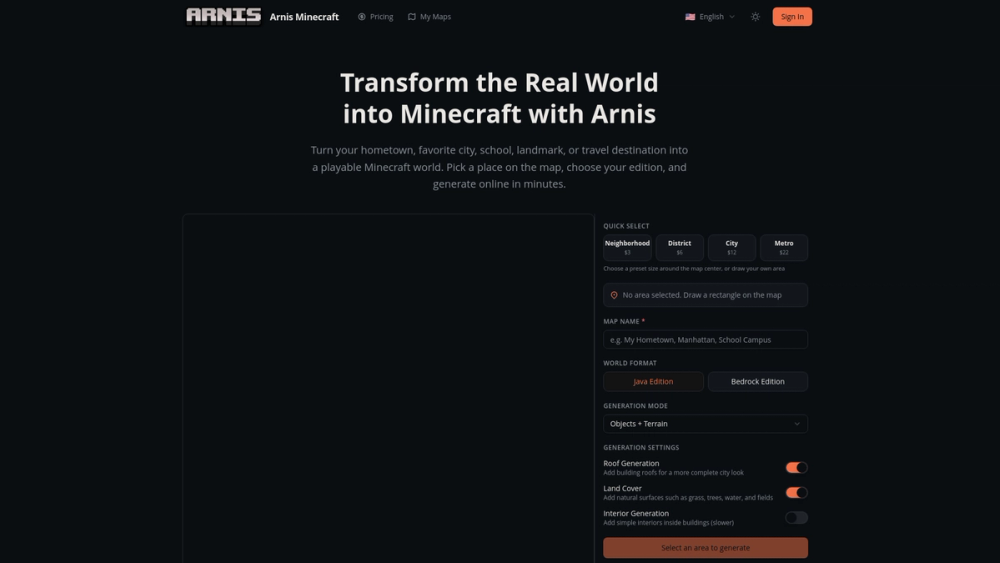
ArnisAI 3DfreeArnis is an online tool that converts real-world geographic locations into playable Minecraft maps for Java and Bedrock editions.
VaibieAI Coding AssistantfreeVaibie is an AI-driven platform that allows users to build, iterate, and share playable browser games and 3D worlds using natural language prompts and Three.js.
VismintAI 3DfreeVismint is an AI-powered 3D generation platform that converts 2D images and text into production-ready 3D assets for games, web, and 3D printing.

Newsletter

Join the Community

Subscribe to our newsletter for the latest news and updates