Why compare AI image generators carefully
“Text to image” is crowded. Most teams do not need another novelty demo—they need backgrounds removed, product shots cleaned, social creatives, or slide visuals that look on-brand.
This shortlist focuses on practical image tools in CollectAI: design suites, product photo helpers, and creative generators you can actually plug into marketing or product work.
How we pick
- Workflow fit — product photos, design canvas, or general generation
- Export quality — usable resolution without endless re-rolls
- Learning curve — templates vs pure prompting
- Directory evidence — enough factual listing to compare
Quick map
| Need | Start here |
|---|---|
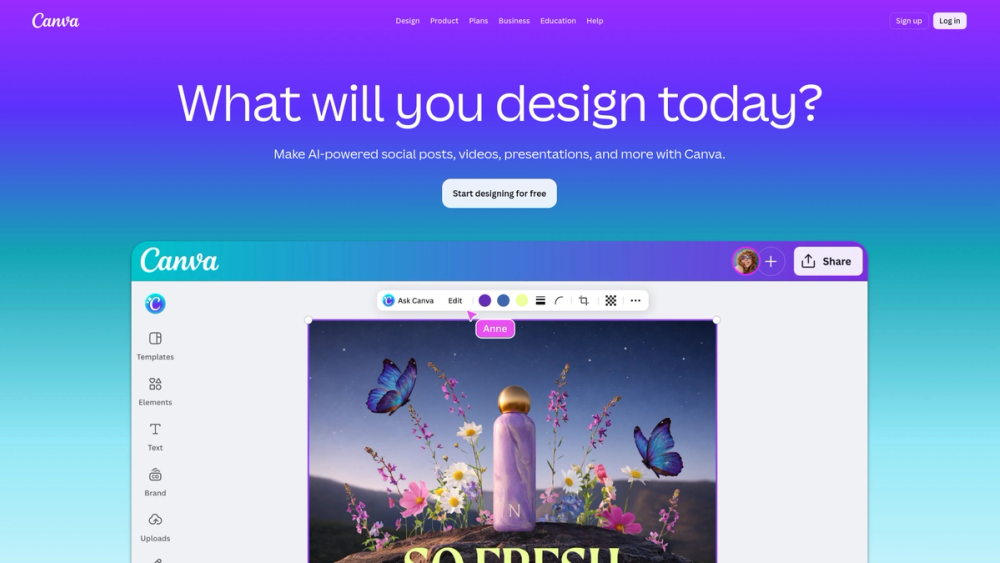
| All-in-one design + AI | Canva |
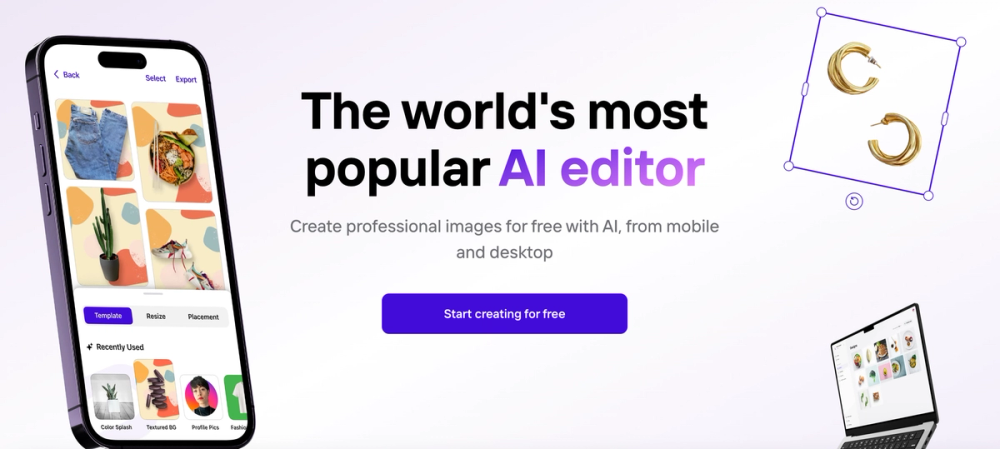
| Product cutouts / backgrounds | Photoroom |
| Pitch decks / visual slides | Gamma |
| Music-adjacent creative | Suno (audio) |
| Video avatars (adjacent) | HeyGen, Synthesia |
How to choose
- Asset type — product photo, social graphic, illustration, or slide
- Brand control — templates and brand kits beat one-off random images
- Rights — confirm commercial license on the free vs paid tier
- Pipeline — prefer tools that export cleanly into Figma, Canva, or your CMS
What this page is not
This is not a model leaderboard. Pure research demos without a product workflow are out of scope. Use item pages for highlights and limitations, and pair with the video/coding collections when your stack spans media types.